
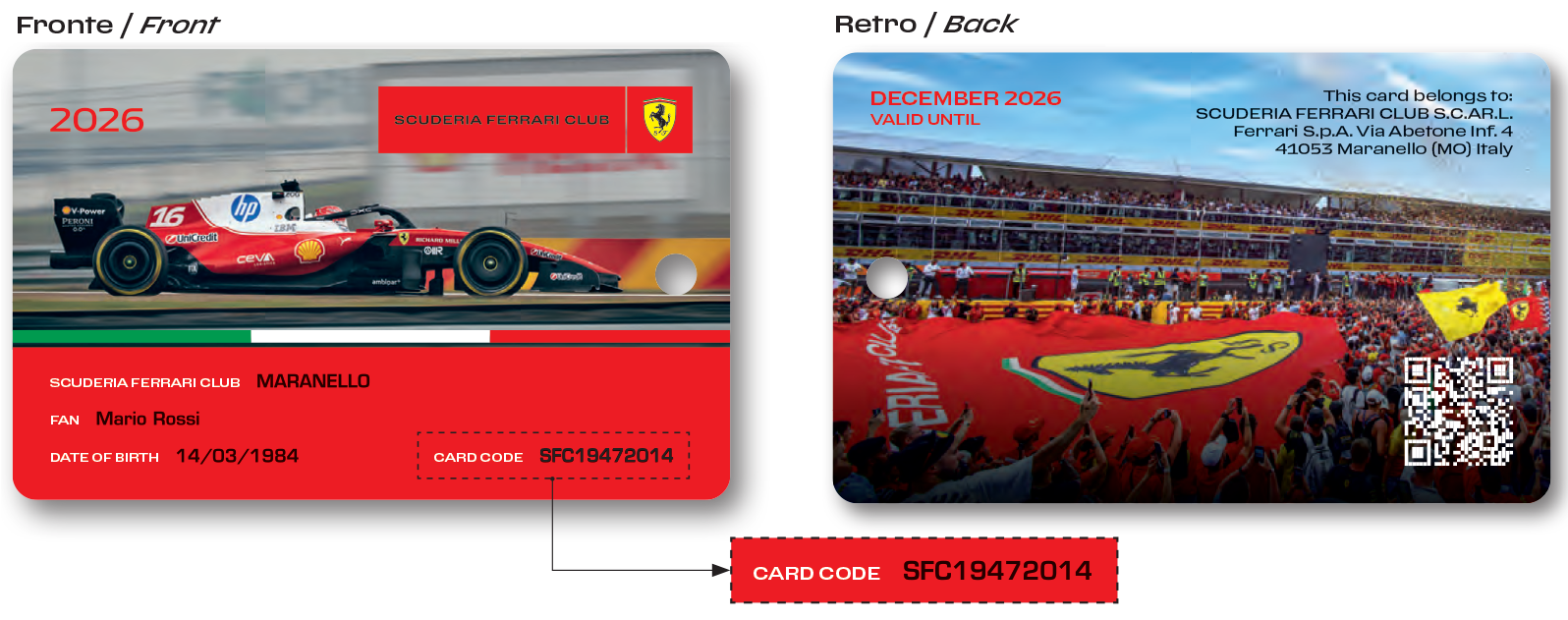
To activate your SFCID card, you must download the Scuderia Ferrari app from the Android or Apple store and follow the instructions to register as a user. Please remember to use the same credentials you used to sign up for the club.
You will also need your unique SFC card code, which is printed in the bottom right corner of the front of your SFC identification card. Please note that you should have received a digital copy of your card on the day you registered; this is included as a PDF attachment in your welcome email. (All these card codes change every season. Your code from last year will not work this year).
IMPORTANT:
Please also note that all these card codes are single-use; if you have already registered your card for the current season and attempt to do so again, the system will notify you that your code is invalid because it has already been used.
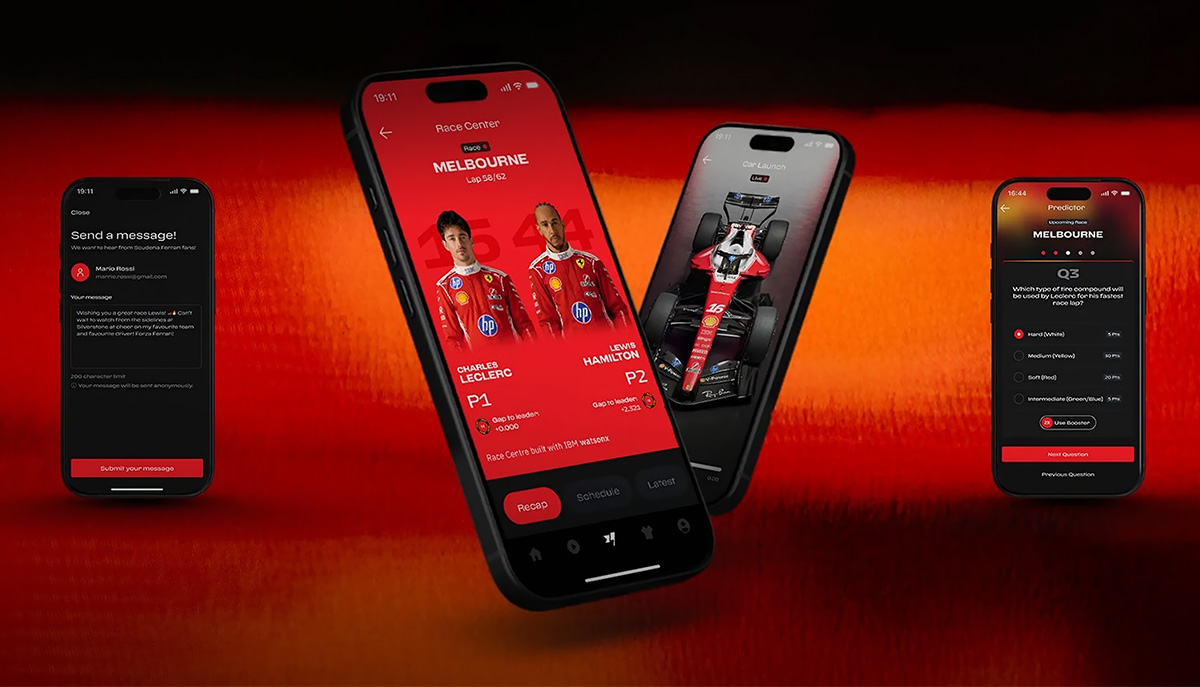
DOWNLOAD THE APP
Watch Demo
Instructions:
- Open the Ferrari app.
- Register using the same email address you used to sign up for the club.
- After validating your credentials, please update your consent settings in your profile.
- Now, on your profile page, tap the small “gear” icon located in the top right corner to access your profile settings.
- Within your profile settings, tap “Add your SFC card.”
- Next, tap “Choose your club.”
- Then, search for “Orlando” in the search bar at the top.
- Please select “Orlando – United States.”
- On the next page, scroll down, enter your SFC code, and accept the Terms and Conditions.
- At this point, you should be all set.
How to verify your activation:
To ensure that your card has been activated correctly, please visit store.ferrari.com and—after logging in with the same credentials you used for the Ferrari app—verify that you can see the discount applied to items in the store, particularly in the FORMULA 1/SCUDERIA FERRARI REPLICA section.
If, for any reason, you are unable to see the discount, please send us a screenshot of your shopping cart so that we may document your case with our office in Maranello.